

How to Create Your Leap Conventions Account
Last updated: Nov 02, 2026
6
views

You'll need access to your email inbox to finish, so keep it open in another tab.
Step 1: Go to the sign-up page
Open conventions.leapevent.tech/signup in your browser.
If you land on the Login page instead, look under the Login heading for "Not signed up? Click here to sign up." and click it. There's also a Sign-Up link in the menu at the top of the page.
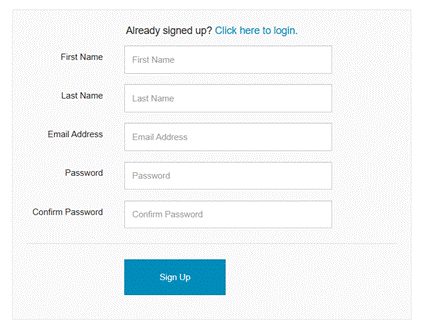
Step 2: Fill out the form
Enter the following:
- First name
- Last name
- Email address: use the email you want tied to this account. If you’ve purchased tickets already, be sure to use the same email address you used for that purchase.
- Password
Step 3: Click SIGN UP
Once everything is filled in, click the SIGN-UP button at the bottom of the form.
Step 4: Verify your email
Your account isn't active until you confirm your email address.
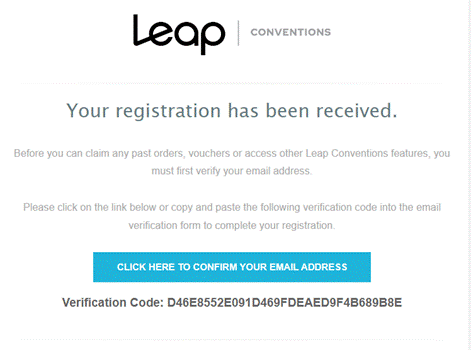
- Check your inbox for an email titled "Leap Conventions Email Verification." from Leap Conventions
- Open it and click the confirmation button inside.
Don't see it? Check your spam or junk folder first. If it's still not there, use the option to resend the validation email.
Step 5: Log in
Go to conventions.leapevent.tech/login and sign in with the email address and password you just created.
Troubleshooting
- Forgot your password? On the Login page, click "Click here to reset your password" below the password field.

